
Audio Fatigue in the BVI Community: Why Less Sound Can Mean More Independence
There is a term gaining traction in the blind and visually impaired community that the assistive technology industry has been slow to address.
Audio fatigue. It is not a formal clinical diagnosis. It is what happens when the tools designed to give you access to the world end up exhausting you before you get there.
What audio fatigue actually means in this context
For most people, audio fatigue refers to the tiredness that comes from prolonged listening. In the BVI community, it goes further.
Screen readers and voice assistants communicate information sequentially. Everything is read aloud in order. There is no skimming, no peripheral awareness, no way to quickly assess whether the next paragraph is worth your attention before committing to hearing all of it.
Research on screen reader user behaviour documents this precisely. Users often cannot determine whether content is worth listening to until they have already listened to it. The result is that blind users frequently experience information overload simply from trying to navigate environments that sighted users scan in seconds.

A 2010 Georgia Tech study on blind individuals engaging with audio-visual content found that the effort required to mentally "fill in the blanks" from audio-only output creates a cognitive overload that frequently leads to task abandonment.
The coping mechanisms tell the story
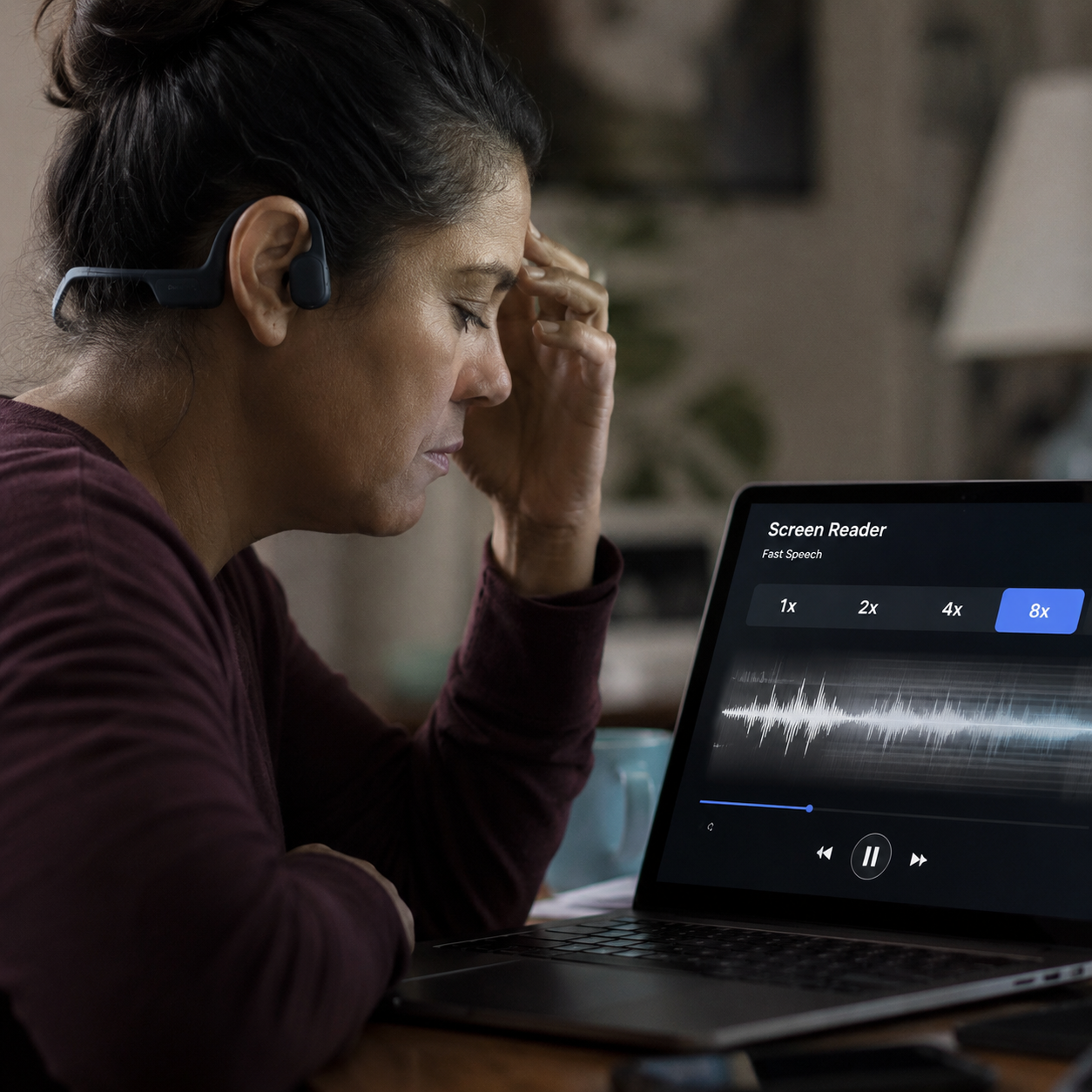
One of the most documented behaviours among screen reader users is running speech output at extremely high speeds, often exceeding 500 words per minute, to reduce the time spent listening.
Read that again. People are consuming audio at speeds that most listeners would find incomprehensible, because slowing down is more exhausting than speeding up.
It is a widely observed adaptation among experienced screen reader users. And it points to a real problem in how the industry has approached audio as a substitute for vision rather than as a distinct channel with its own demands and limits.
Why the current tool landscape makes it worse
The proliferation of AI-powered apps, navigation tools, and voice assistants has added new audio layers on top of existing ones. A user navigating an unfamiliar environment may simultaneously manage screen reader output, navigation alerts, app notifications, and AI descriptions, all competing in the same auditory channel.
Research identifies cognitive load and the absence of spatial context as two of the most significant barriers facing screen reader users today. Unlike visual interfaces, where design communicates hierarchy and relevance at a glance, audio interfaces communicate everything at the same volume and urgency.
The industry has responded by adding more features. More announcements, more descriptive output, more coverage. The assumption has been that more audio equals more access.
For many in the BVI community, it has instead created a new kind of barrier.
What voice-first design actually requires
The solution is not less technology. It is smarter technology.
Voice-first design, done well, is not about maximizing audio output. It is about minimizing unnecessary output while ensuring the right information arrives at the right moment, in a way that fits how a specific person actually moves through their world.
The difference is significant. A system that describes everything is an audio stream. A system that knows what you already know, anticipates what you need next, and communicates only what is genuinely useful is an intelligent assistant.
Personalization is the mechanism that makes this possible. An AI that builds a model of how you navigate, what routes you take, what contexts require detail and which do not, can reduce audio load substantially without reducing independence. It can learn when to speak and, critically, when to stay quiet.
This is the direction the most thoughtful development in this space is moving. Not louder, not more comprehensive. More contextually aware.
For O&M professionals and developers working in this space
Audio fatigue is worth taking seriously as a design principle, not just a user complaint.
If the people using your tools are running them at 500 words per minute to get through the day, the tool has a design problem. If task abandonment is a documented outcome of cognitive overload from audio interfaces, that is a product specification failure, not a user limitation.
The BVI community deserves assistive technology that respects the full cost of listening, not just the benefit of sound.
GV Discover was built with this in mind. If you work with BVIs or are building in this space, we would welcome your perspective through our Early Adopter Program.